
iPhone Duo Is Here: How We Make Your App Duo-Ready
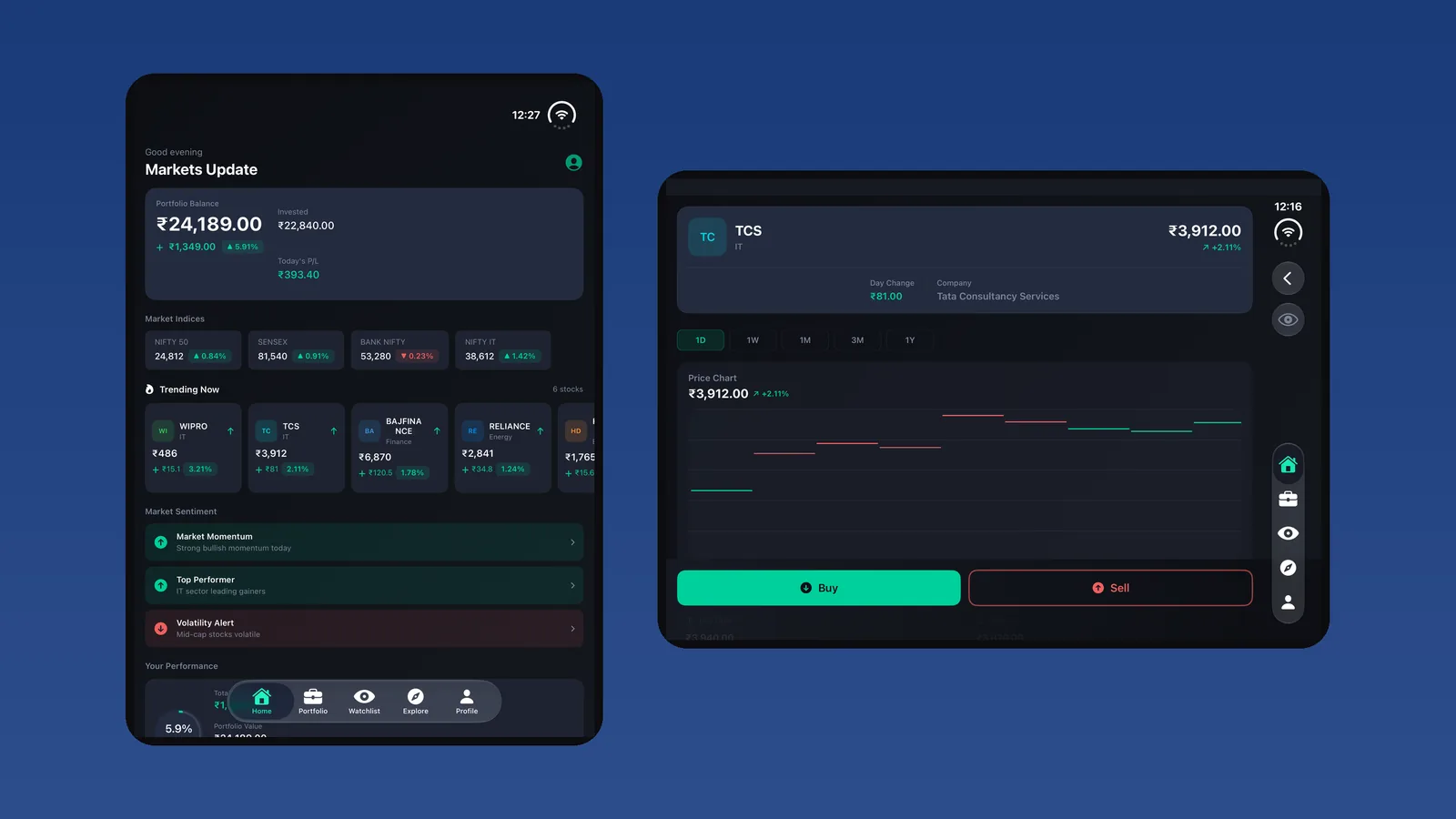
iPhone Duo went on sale on October 23, and reviewers agree on its weak spot. The hardware is impressive. Many of the apps are not. MacStories' review headline put it simply: "Great Hinge, Messy Apps." The reason is technical and fixable. An app only fills the Duo's large inner display if it is rebuilt with Apple's current SDK and its layouts are made to adapt. Until then, it runs as a phone-sized window with black space around it.
This post explains what that means for your app, what Apple is doing to reward apps that update, and exactly how we take a live iOS app from "runs in a box" to properly Duo-ready, usually within a 1–2 week sprint.
The launch-week reality
- Big names updated early. Apple's launch announcement highlighted apps such as Netflix, Slack, Zoom, Fantastical, Things and the MLB app, which were redesigned for the Duo's inner display and folded positions (Macworld). That is now what Duo owners expect.
- Most apps haven't updated yet. Apps built with older SDKs run letterboxed on the inner display. Reviewers called app support the device's biggest weakness at launch.
- Apple is rewarding apps that do update. Apple says optimized apps will carry a "Made for iPhone Duo" badge in the App Store, and it is highlighting apps that support the new screen.
The people buying a foldable iPhone in its first months are early adopters who pay for premium hardware and premium apps. If your app looks unfinished to them, it shows up in reviews, ratings and retention. If it looks great, you stand out while most competitors are still letterboxed.
Why most apps aren't ready
Being ready for the Duo takes two separate things, and most apps are missing at least one:
- A current build. Apps built for iOS 26 or earlier always run in a phone-sized canvas on the Duo. To use the full inner display, the app has to be rebuilt against the iOS 27.1 SDK (Xcode 27.1).
- Layouts that actually adapt. A rebuild unlocks the space but doesn't fill it well. Fixed widths, orientation locks and single-column screens just stretch. That is technically full-screen but still looks wrong.
So the fix is not a new app. It is a focused upgrade of the app you already have.
Our iPhone Duo app solution: how we make your app Duo-ready
Step 1: Readiness audit
Send us your App Store link and tell us your stack. We look at how your app behaves today and give you a plain answer: which compatibility level it is in, which screens will break or look stretched, what has to change before an update and what can wait. Scope and timeline are set here, before any work starts.
Step 2: SDK and toolchain upgrade
We move the project to Xcode 27.1 and the current iOS SDK, and update dependencies and build settings so the app is allowed to use the whole display. For apps that are several iOS versions behind, this step also clears out the deprecated APIs that block a modern build.
Step 3: Adaptive layout pass
This is where the app starts to feel made for the Duo. We change your key screens so they reorganize based on the space available instead of stretching:
- Navigation that switches between a side rail when the screen is wide and a tab bar when it is tall
- Lists, grids and cards that show more content on the open display, not bigger content
- Full labels and filters instead of truncated text and sideways scrolling
- Sheets, forms and checkout flows that fit every position while keeping the same steps
- Charts, images and video that look sharp on the 7.6-inch inner display
Step 4: Posture and transition testing
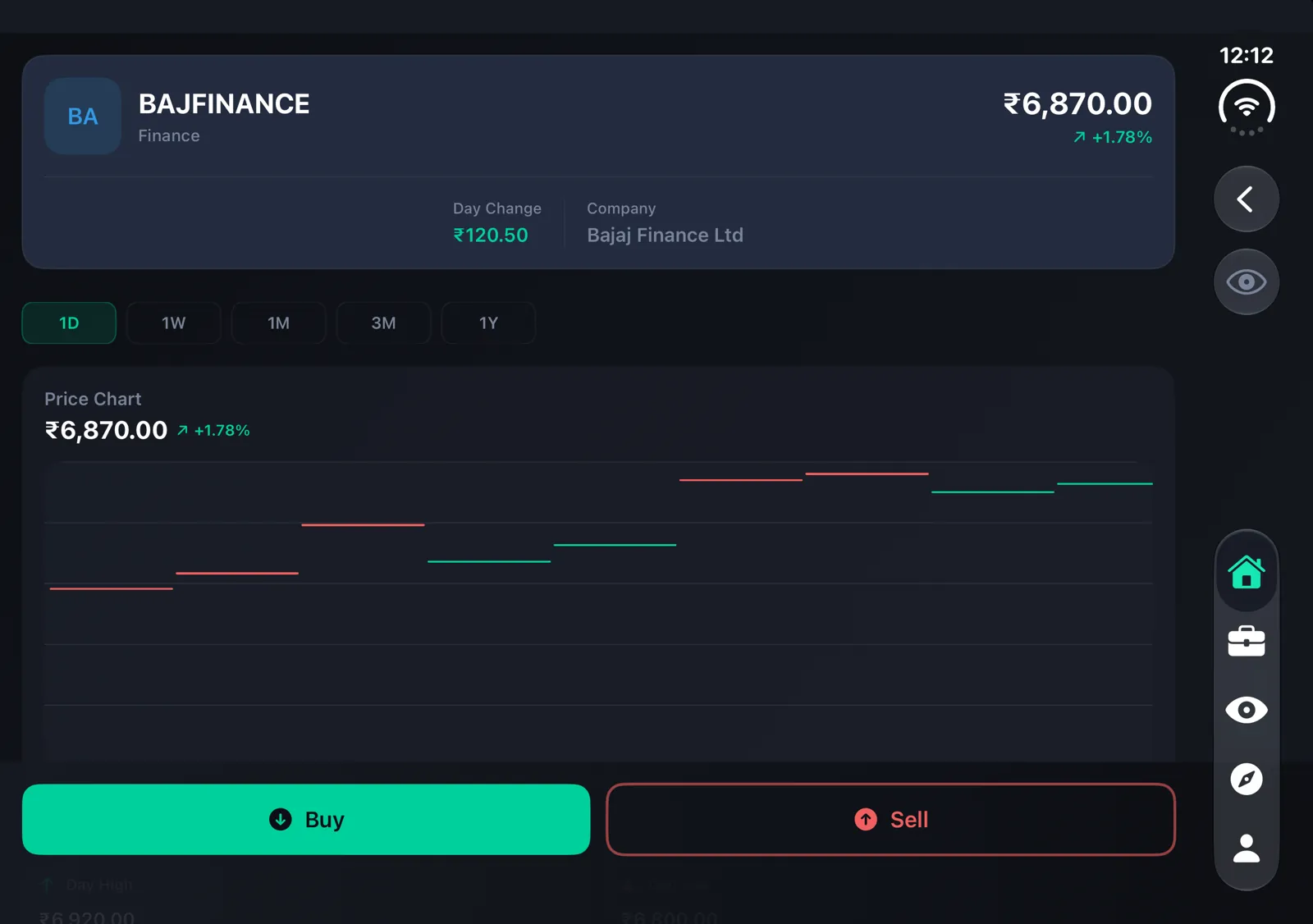
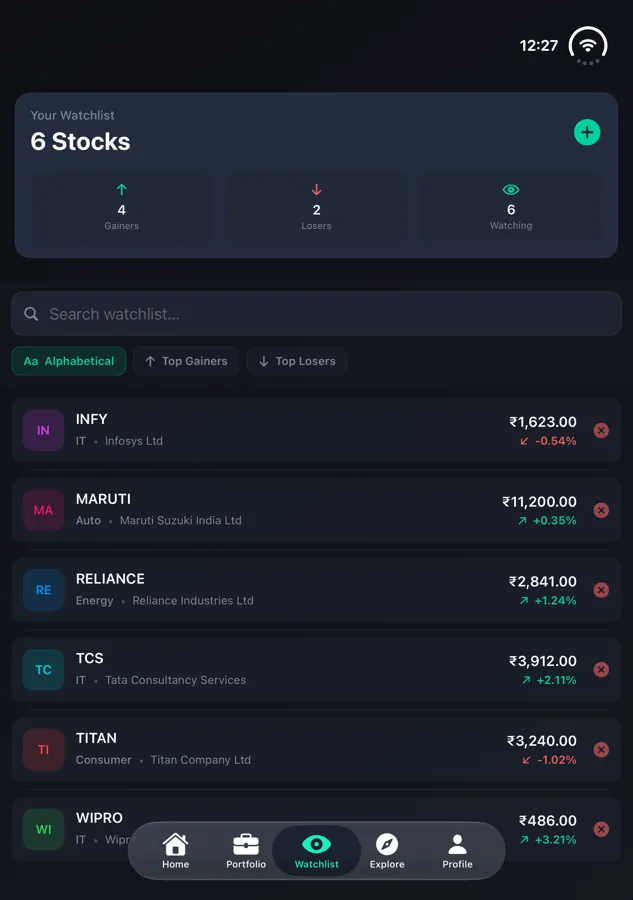
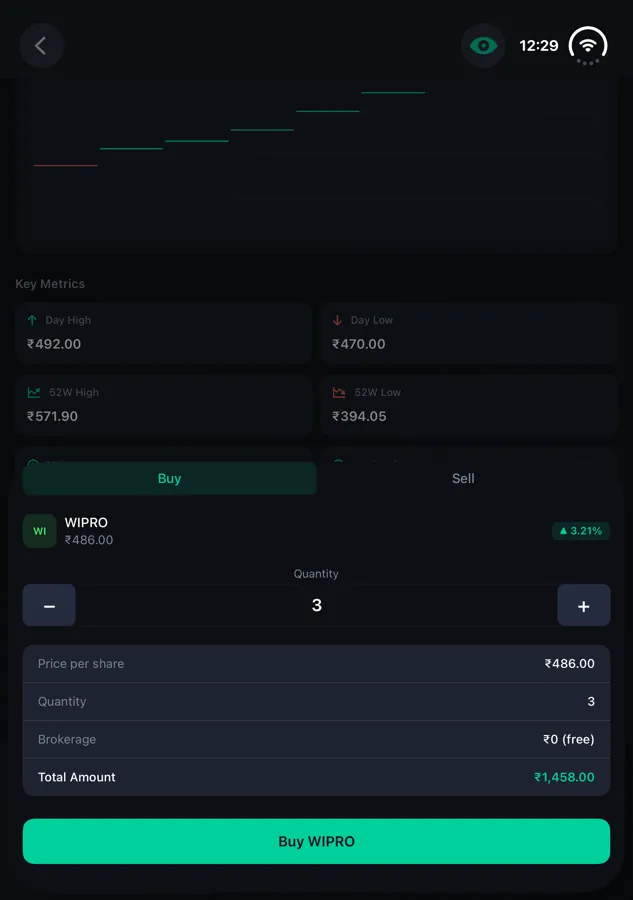
We test every key flow folded, open, half-folded and open in portrait, and we test switching between them mid-task. Scroll position, form input, playback and in-progress actions should all survive the fold. We also re-check accessibility (Dynamic Type, VoiceOver, touch targets) in each state.
Step 5: TestFlight build
You get a TestFlight build to install and tap through yourself before anything goes to Apple. We fix what you find.
Step 6: App Store update
We handle submission and help refresh your product page with screenshots that show the unfolded layout, so buyers can see the app is built for their device.
What you get
- A written readiness audit with scope and timeline
- Your app rebuilt on the current Xcode and iOS SDK
- Adaptive layouts for your key screens and flows
- Testing across folded, open, half-folded and portrait use
- A TestFlight build for your review
- App Store submission and updated screenshots
Want to see what the finished result looks like? We walked through a real trading app in every posture here: iPhone Duo app compatibility: a real app, folded and open.
Works with the stack you already have
- Swift and SwiftUI: the most direct route, using Apple's adaptive APIs.
- UIKit and Objective-C: size classes, trait changes and split layouts, without a rewrite to SwiftUI.
- React Native and Flutter: fully supported. We check how your framework version reports size changes, upgrade it where needed and fix layouts that assumed a fixed phone screen.
Timeline and cost
A typical upgrade for a live app that already works well on current iPhones is a 1–2 week sprint after the audit. It takes longer if the codebase is several SDK versions behind or the UI is heavily custom. We don't publish a fixed price, because the honest answer depends on your app. You get a clear scope and quote from the audit before you commit to anything.
Frequently asked questions
Will my app work on iPhone Duo without an update?
It will almost certainly open and run. Without an update, it runs as a phone-sized window on the inner display, which is exactly what reviewers are criticizing.
Do we need to rebuild the app from scratch?
Usually not. Most live apps need an SDK upgrade and an adaptive-layout pass, not a new product. If your codebase really can't support that, the audit will tell you before any money is spent.
Will we get the "Made for iPhone Duo" badge?
Apple decides which apps get the badge. What we do is build the update to the standard Apple describes for optimized apps: full use of the inner display and layouts that adapt to each position.
Can you also handle Android foldables?
Yes. If you also ship on Android, we can include foldable layouts in the same project. Just mention it during the audit.
Get your app Duo-ready
The longer an app looks unfinished on a new flagship device, the more reviews and early users it costs. Send us your App Store link and we'll tell you where your app stands and what it will take to fix it. Book your iPhone Duo readiness audit, or read about the iPhone Duo app upgrade offer.
More from the blog
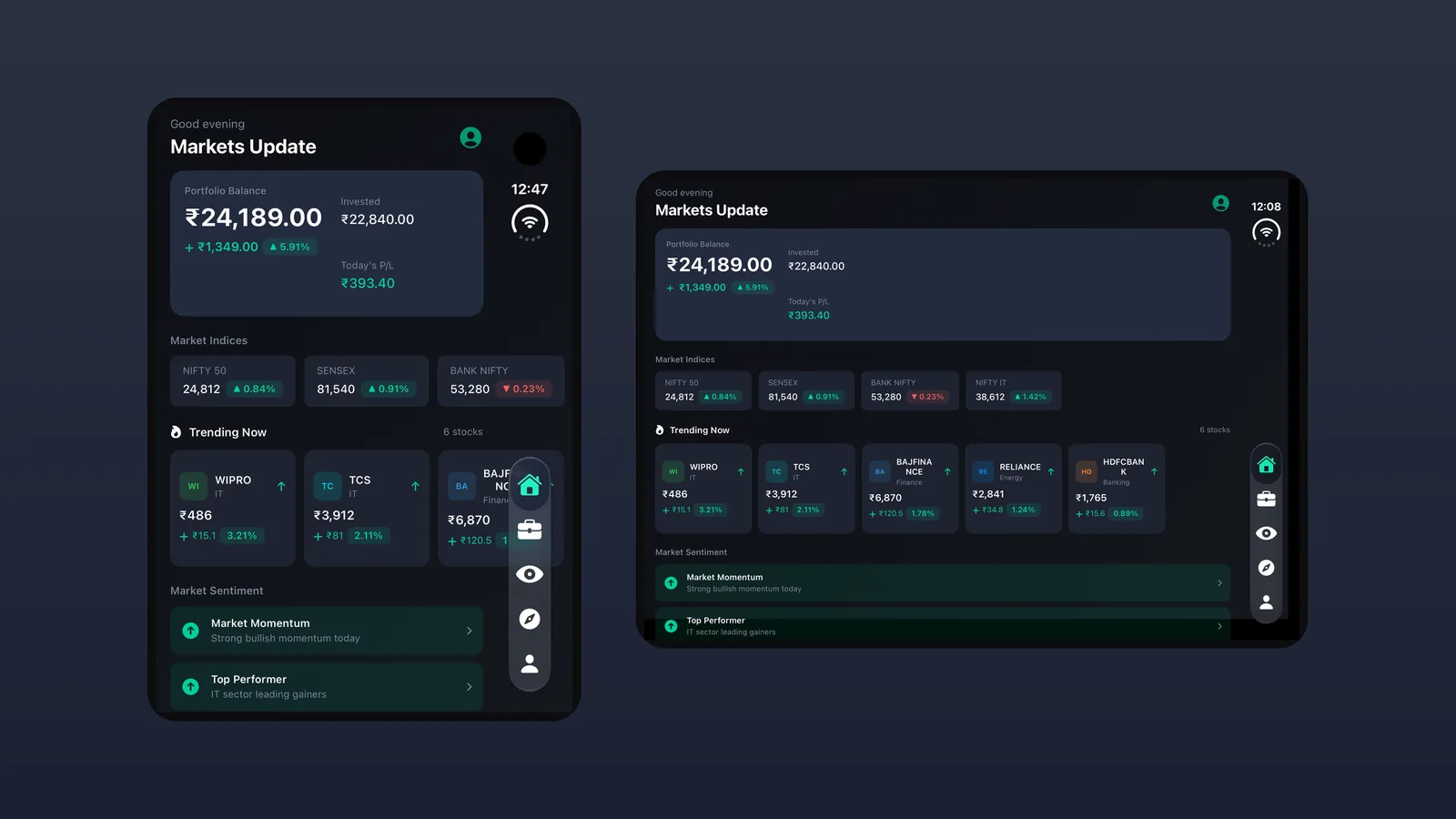
iPhone Duo App Compatibility: A Real App, Folded and Open
How iPhone Duo decides if your app fills the screen or sits in a black box, with a real trading app shown folded, open, half-folded and in portrait.
Read article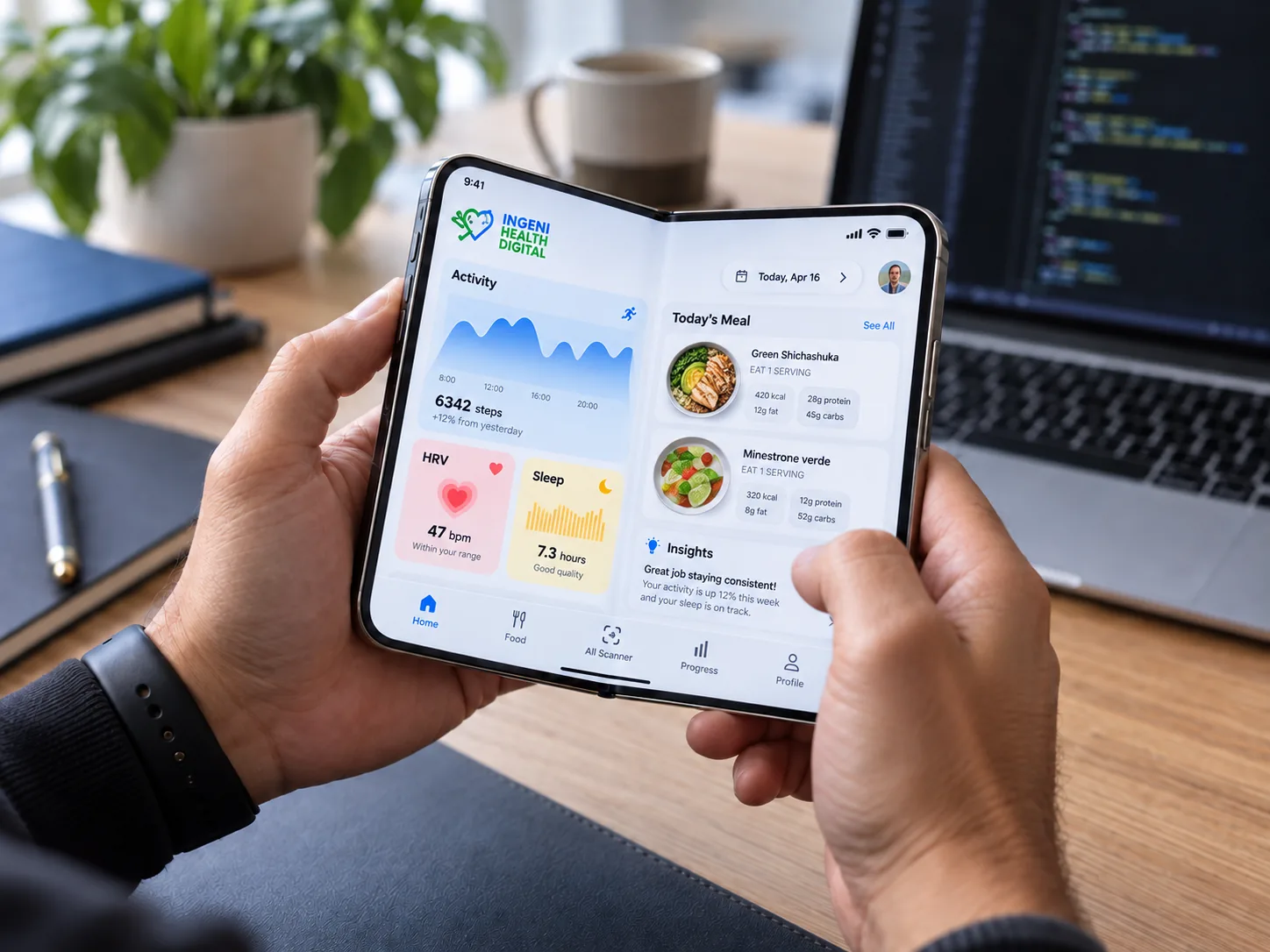
Is Your App Ready for iPhone Duo? A Practical Guide for App Owners
Apple has introduced the foldable iPhone Duo — a device that unfolds into a much larger display and enables device-specific experiences. For app owners, this is the biggest layout shift since the iPad and the notch combined. The…
Read article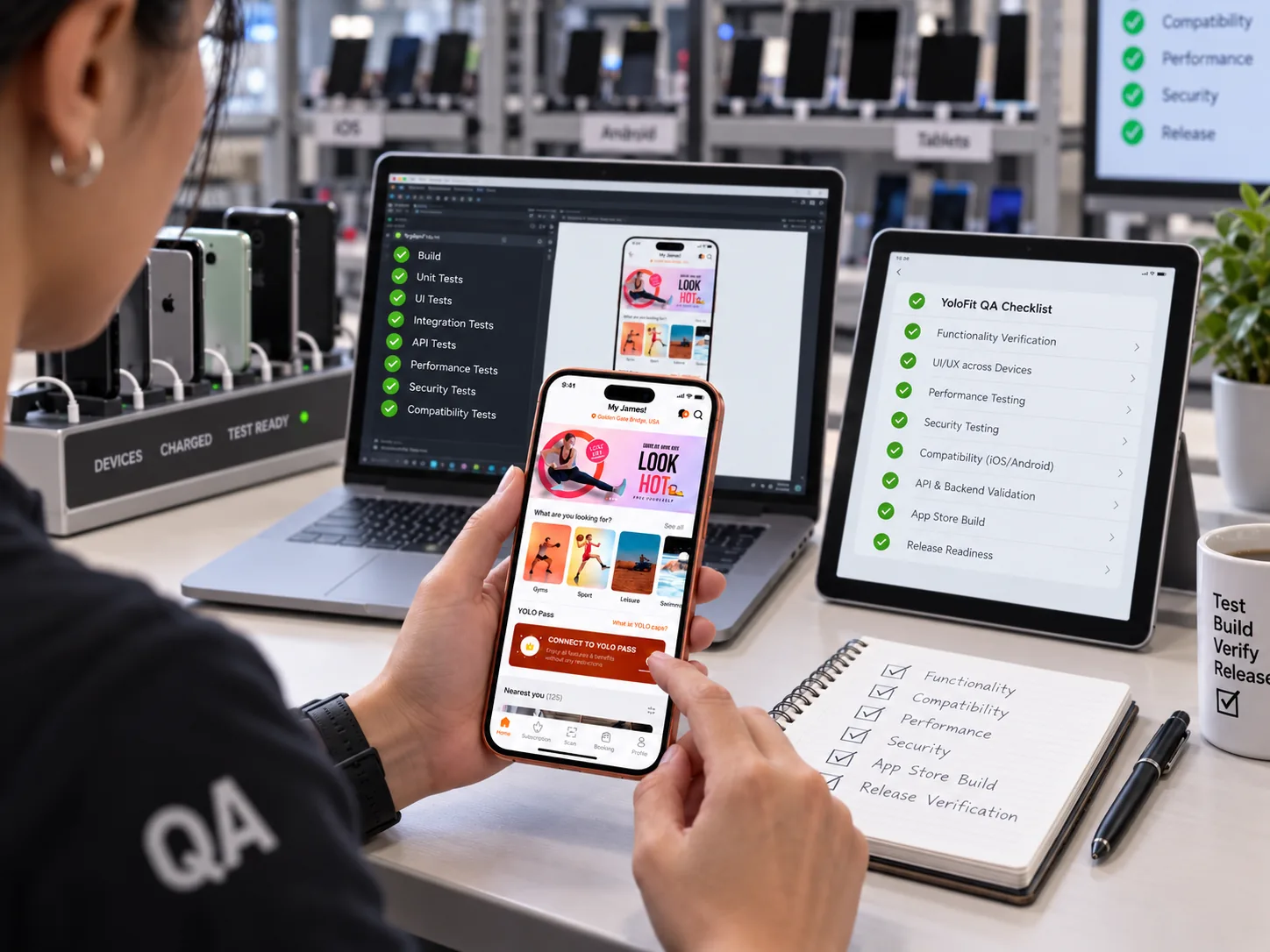
Production-Ready App Checklist
Whether you built your app by hand or with AI tools, "ready to launch" means the same thing: it's secure, reliable, fast and maintainable under real-world use. It's easy to feel ready when the happy path works — but production is…
Read article
Let's Talk
Drop an inquiry to get connected and drive the innovations for your dynamic mobile app ideas.

