
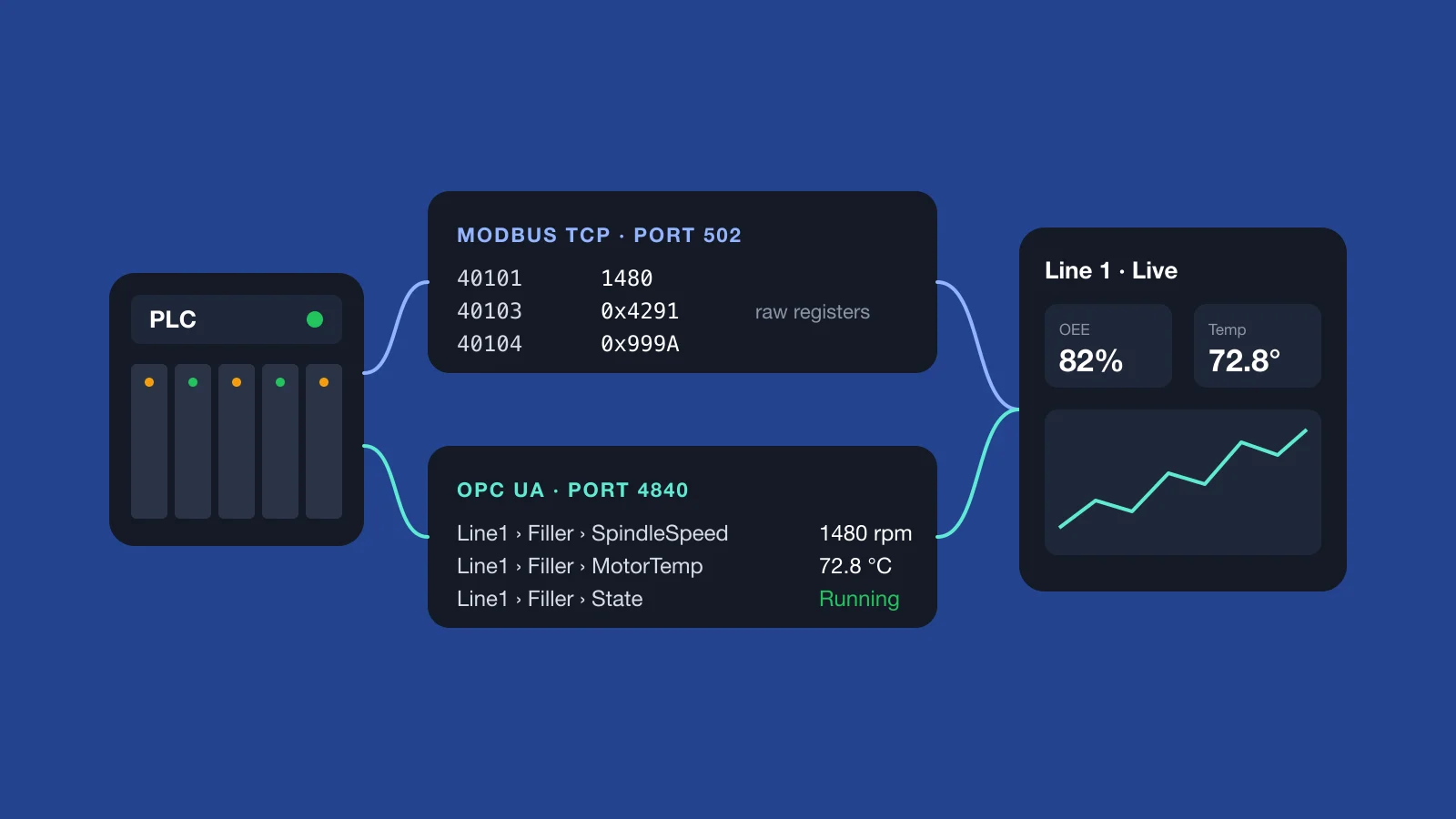
If you want machine data to leave the factory floor and appear on a dashboard, two protocols come up almost immediately: Modbus TCP and OPC UA. Most current PLCs support at least one of them, and many support both. Both get values out of a controller, but they work very differently. The choice affects how long the project takes and how easy the system is to maintain afterwards.
This is a practical comparison from the software side. It covers what each protocol gives you, where each one causes trouble, and how to decide.
Modbus TCP in one minute
Modbus was published in 1979 and is still everywhere because it is simple. A controller exposes numbered memory areas: coils and discrete inputs for on/off values, holding and input registers for numbers. A client reads them by address, over TCP port 502.
That simplicity is both its strength and its weakness. A Modbus read returns raw 16-bit numbers. Nothing in the response says what the value means, what unit it is in, or whether it is half of a larger value. That knowledge lives in a register map, usually a spreadsheet or PDF from the machine builder. It tells you, for example, that holding register 40101 is spindle speed in rpm and that registers 40103–40104 together hold motor temperature as a 32-bit float.
- Good at: drives, energy meters, older PLCs and simple devices; quick wins with a handful of values.
- Watch out for: missing or outdated register maps; the off-by-one gap between documented addresses (40001) and the offsets actually sent on the wire (0); and 32-bit values split across two registers, where the word order differs between vendors.
- Security: none built in. There is no authentication and no encryption. Anyone who can reach port 502 can read values, and often write them too. The network has to provide the protection.
OPC UA in one minute
OPC UA (Open Platform Communications Unified Architecture) is a newer standard, designed for exactly this job: exchanging industrial data between systems from different vendors. There are no numbered registers. Instead, the server exposes a browsable address space of named, typed nodes, such as Line1 › Filler › MotorTemp: a floating-point value in °C, with a timestamp and a quality status.
- Good at: larger systems with many tags and mixed vendors, and anything you will need to maintain for years.
- Watch out for: certificate exchange between client and server; licensing (on some PLCs the OPC UA server is a paid or separately enabled option); and session and item limits on smaller controllers.
- Security: built in. It supports signed and encrypted connections, application certificates and user authentication.
OPC UA also supports subscriptions. The client tells the server which values it needs and how often to sample them, and the server sends only the changes. With Modbus, the client polls every register on a timer, whether the value has changed or not.
Side by side
| Modbus TCP | OPC UA | |
|---|---|---|
| Data model | Numbered registers holding raw values | Named, typed tags with timestamps and quality |
| Finding the data | Needs a register map from the machine builder | Browse the server’s address space |
| Updates | Client polls on a timer | Subscriptions send changes |
| Security | None built in | Certificates, signing, encryption, user login |
| Setup effort | Low per device, high per tag | Higher per server, low per tag |
| Typical devices | Drives, meters, older PLCs | Current PLCs, SCADA systems, OPC servers |
| Default port | 502 | 4840 |
How to choose
In practice, the equipment often makes the choice for you. A simple rule that works on most floors:
- If the PLC has an OPC UA server, use it. Named tags and built-in security save time over the life of the system, especially when the machine program changes and a register map would drift out of date.
- If a device only speaks Modbus, use Modbus and request the register map on day one. It is usually the slowest document to obtain.
- If a device speaks neither, a protocol gateway or an OPC server can translate its native protocol into Modbus TCP or OPC UA.
- Expect a mix. Most plants end up using both. The software that collects the data should normalise everything into one set of named tags, so dashboards and reports do not depend on which protocol a value came from.
Where MQTT fits
MQTT often comes up in the same conversation, but it does a different job. Modbus TCP and OPC UA are typically used to talk to the controller. MQTT is a lightweight publish/subscribe protocol for moving the collected data onwards: from an edge device to a server or the cloud. It copes well with unreliable networks and lets many systems subscribe to the same stream.
A common pattern is an edge service that reads PLCs over Modbus TCP or OPC UA, then publishes clean, named values over MQTT.
Start read-only
Both protocols can write as well as read, which is useful for setpoints, recipe changes and remote resets. But writing to a running machine from a dashboard is a safety and process decision, not a software convenience. We recommend connecting read-only first. Add write actions later, deliberately, with role-based access, confirmations, an audit trail and sign-off from your controls engineer.
See both running
We have a working demo that reads live data over both Modbus TCP and OPC UA and shows it on dashboards. It is the quickest way to see the difference in practice, and to talk through what connecting your own machines would involve.
Read more about our industrial IoT and automation software, our HMI and SCADA design work, or the machine monitoring and OEE solution. Or book the Modbus TCP and OPC UA demo.
More from the blog
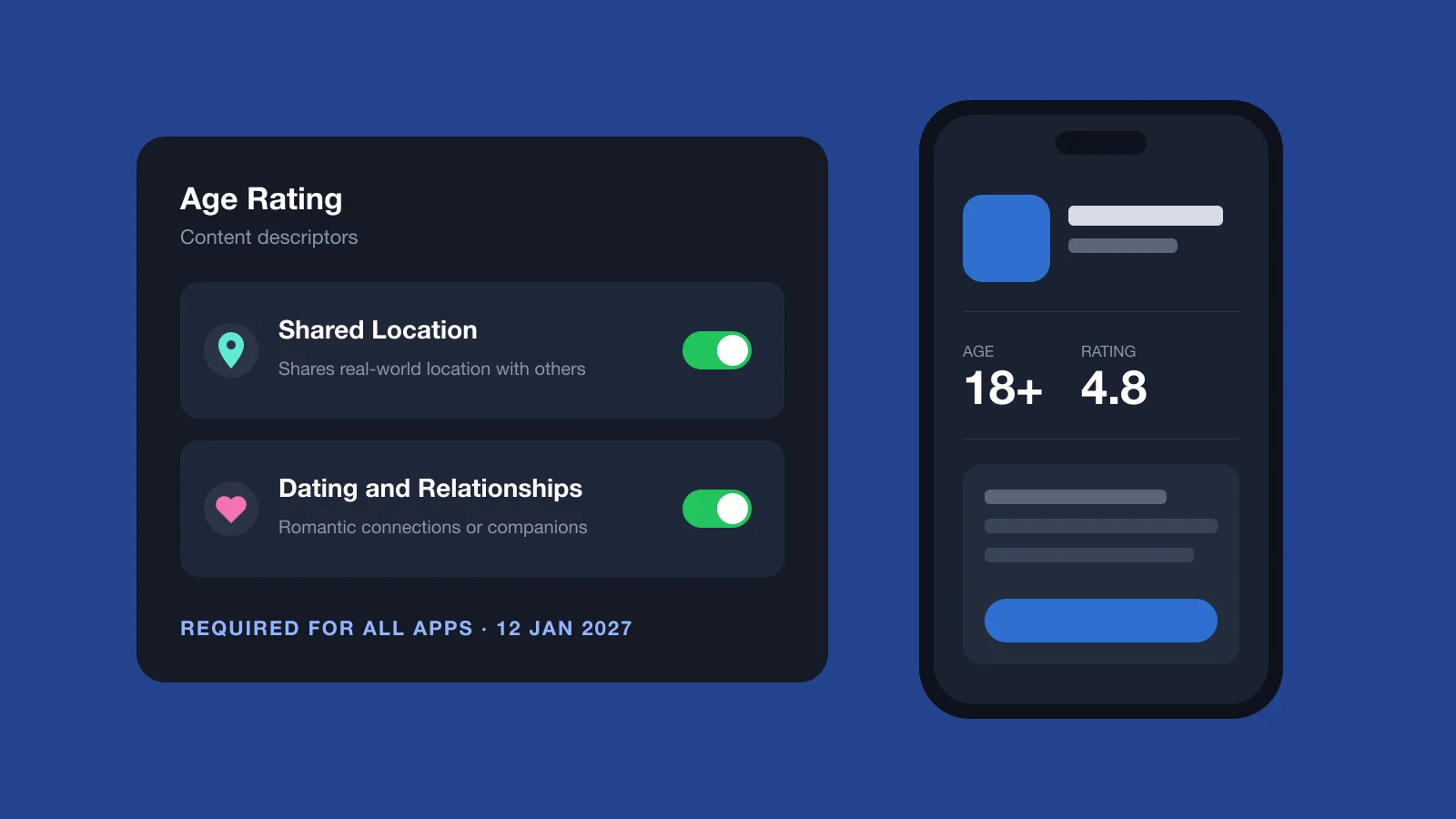
Apple’s New Age Rating Questions: Shared Location and Dating
Apple added Shared Location and Dating questions to the App Store age rating. Every app must answer by 12 January 2027. Who is affected and what to do.
Read article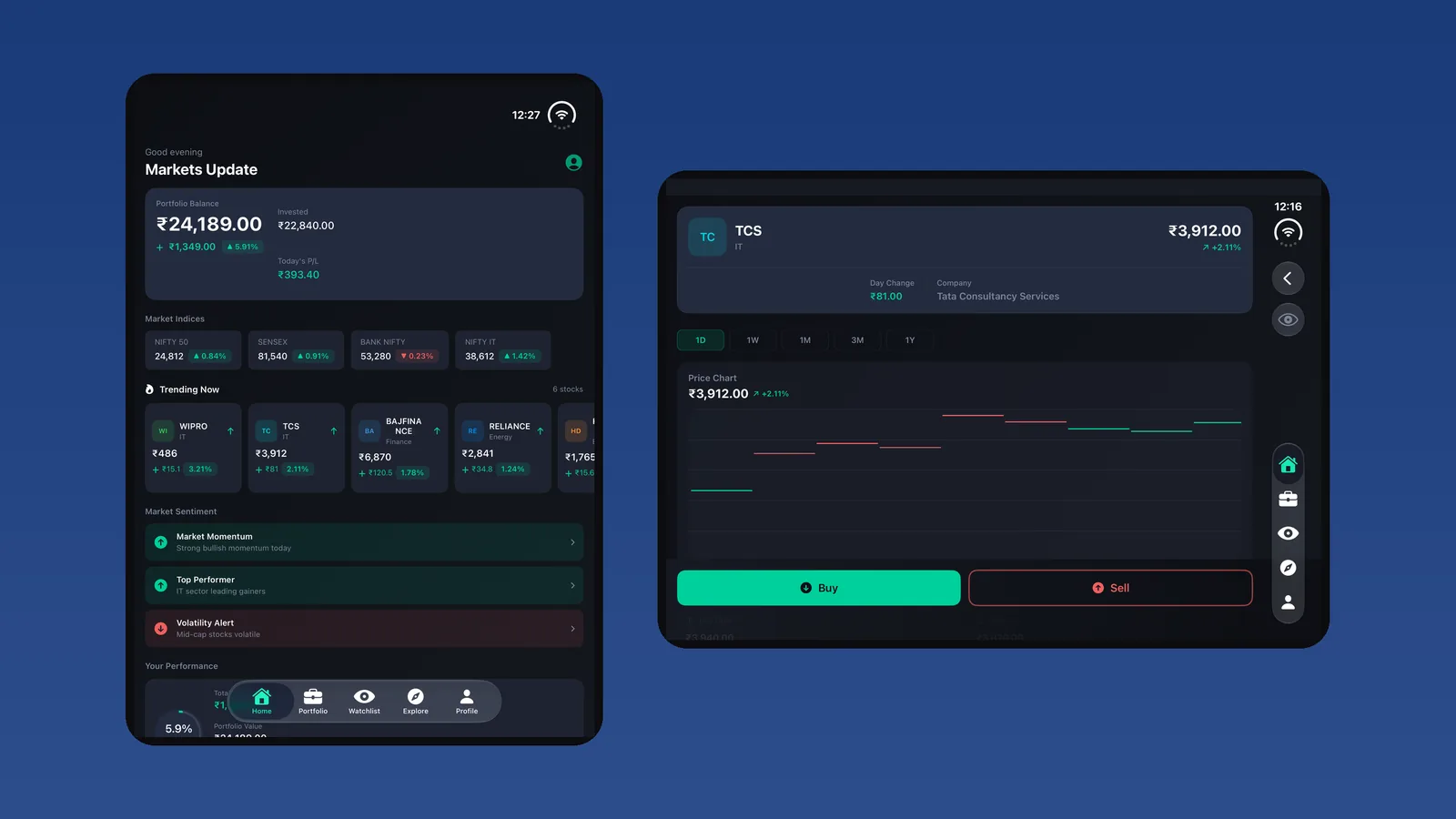
iPhone Duo Is Here: How We Make Your App Duo-Ready
iPhone Duo launched with letterboxed apps. Here's our 6-step plan to make a live iOS app Duo-ready: audit, SDK upgrade, adaptive layouts and testing.
Read article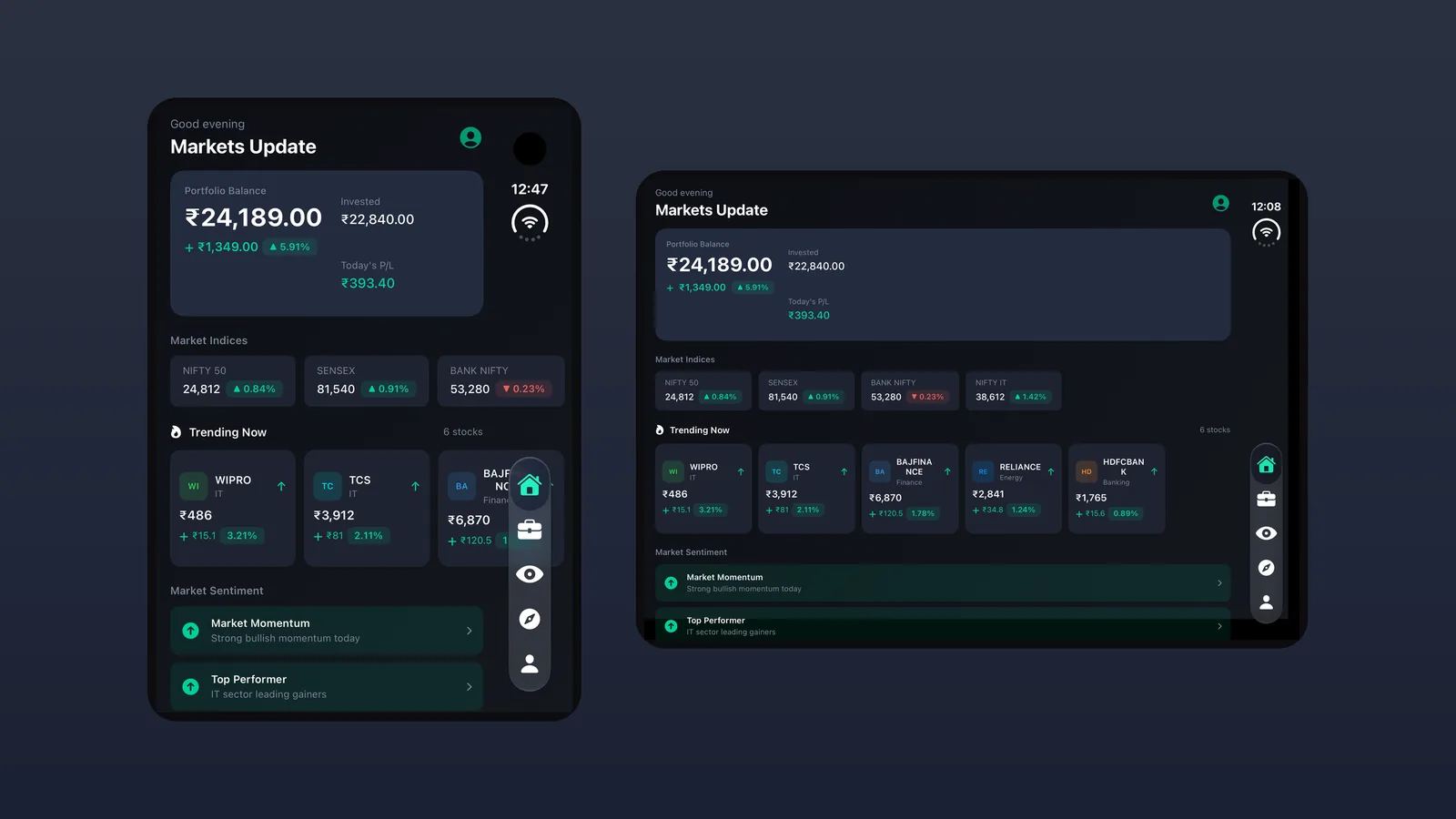
iPhone Duo App Compatibility: A Real App, Folded and Open
How iPhone Duo decides if your app fills the screen or sits in a black box, with a real trading app shown folded, open, half-folded and in portrait.
Read article
Let's Talk
Drop an inquiry to get connected and drive the innovations for your dynamic mobile app ideas.

